Apps · Digital wellbeing and privacy · Android
Gamblocker: block gambling sites on your phone
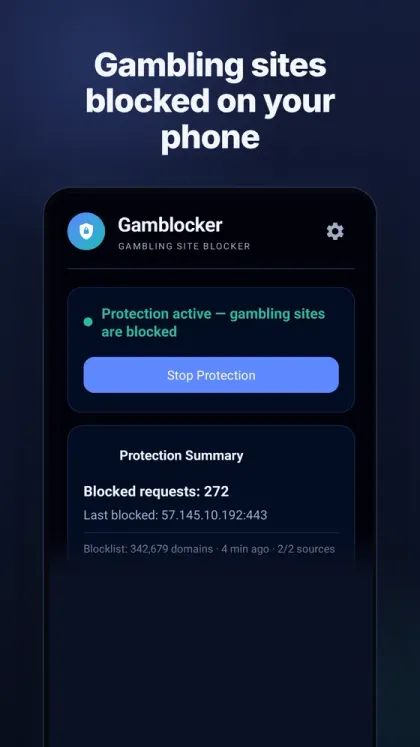
Gamblocker blocks gambling and betting sites on your own phone, for people who want to quit gambling. You install it for yourself, set your own password and decide how strict it should be. Blocking is done by an on-device VPN filter; your traffic never goes through a remote VPN server.
- Testing on Google Play
- 340,000+ gambling domains
- No ads
- No data collected
- No account needed
- English + Türkçe

Why Gamblocker?
Three layers of blocking
Gambling domains are blocked with DNS, TLS SNI and IP checks against a list of more than 340,000 domains.
Built to resist bypassing
It resists attempts to bypass it by turning off the VPN or Private DNS, and protection settings sit behind your own password.
Runs on the device
Blocking happens on the phone itself. Nothing is sent to the developer.
You stay in control
You choose the setup, the password and the strictness; protection can’t be switched off on an impulse.
What it does
On-device VPN filter
Uses Android’s VpnService to check connections on the phone itself. Traffic never passes through a remote VPN server.
Password gate
Protection settings sit behind the password you set.
Uninstall protection (optional)
You can enable Gamblocker as a device administrator; it must be disabled (behind your password) before the app can be uninstalled.
Second layer: Accessibility (optional)
If you turn it on, it can close a gambling site opened in your browser, or an app named after a gambling brand, even when the VPN is off. The app explains exactly what this layer reads before you enable it.
Progress
See how many requests were blocked and how many days you have stayed clean.
Optional AI check
Only if you enter your own Gemini API key are unknown domain names (never page content) checked with Google Gemini.
Screenshots
Gambling sites blocked on your phone 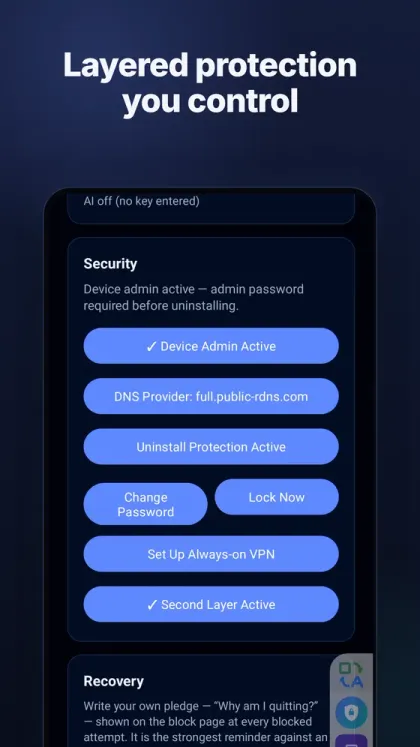
Layered protection you control 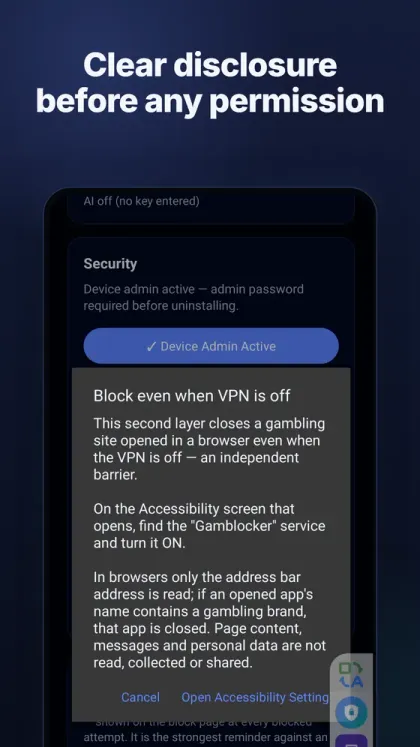
Clear disclosure before every permission 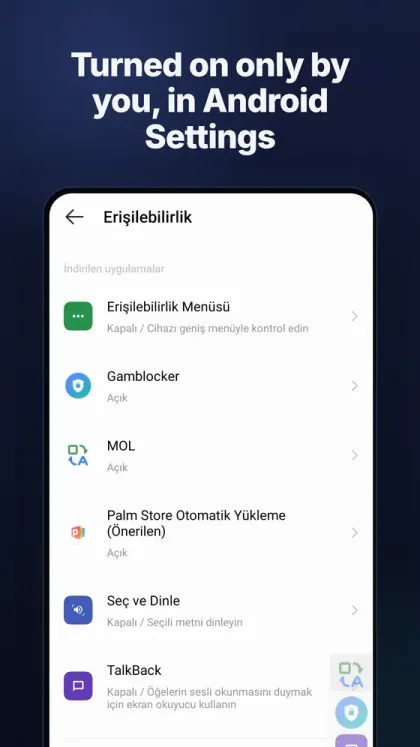
Only you turn it on, from Android settings 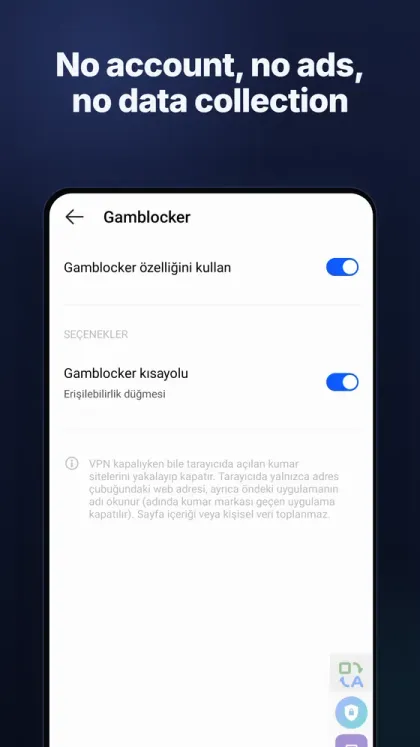
No account, no ads, no data collection
Pricing
Trial
- Everything free for 7 days
After that
- Monthly or yearly subscription through Google Play
Privacy
Gamblocker is part of a personal struggle, so it shares no data with anyone.
- No account, no ads, no analytics.
- Nothing is sent to the developer. Your block history stays on your phone and is deleted automatically after 90 days.
- The AI check only runs if you enter your own Gemini key; unknown domain names are sent, never page content.
Note
Gamblocker is not affiliated with any gambling company. If gambling is harming you or someone close to you, please also reach out to a local support service.
Frequently asked questions
How does Gamblocker block sites?
It sets up a filter that runs on the device using Android’s VpnService and blocks gambling domains with DNS, TLS SNI and IP checks. Traffic never goes through a remote VPN server.
Can it be installed on someone else’s phone?
No, it isn’t designed for that. Gamblocker is a tool you install on your own phone by your own choice: you set the password and decide how strict it should be.
What if I turn the VPN off?
Protection settings sit behind the password and the app resists bypass attempts such as turning off the VPN or Private DNS. The optional Accessibility layer can close gambling sites even when the VPN is off.
Is my data collected?
No. There is no account, no ads and no analytics; your block history stays on the phone and is deleted after 90 days.
Does it cost money?
Try everything free for 7 days, then continue with a monthly or yearly subscription through Google Play.